
Windows and macOS · Version 2.3.4
Install the OFDownloader Desktop App
Choose the installer for your computer, complete the operating-system prompts, and use the desktop app for longer or larger download jobs.
When to use the desktop app
Windows and macOS
Use the installer that matches the operating system on this computer.
Larger download jobs
The desktop app is the clearer choice when browser downloads are interrupted or need longer processing.
Local file handling
Completed media is saved locally according to the app and device settings.
Same account safety rule
Do not send passwords, session cookies, or private media when requesting support.
Preview
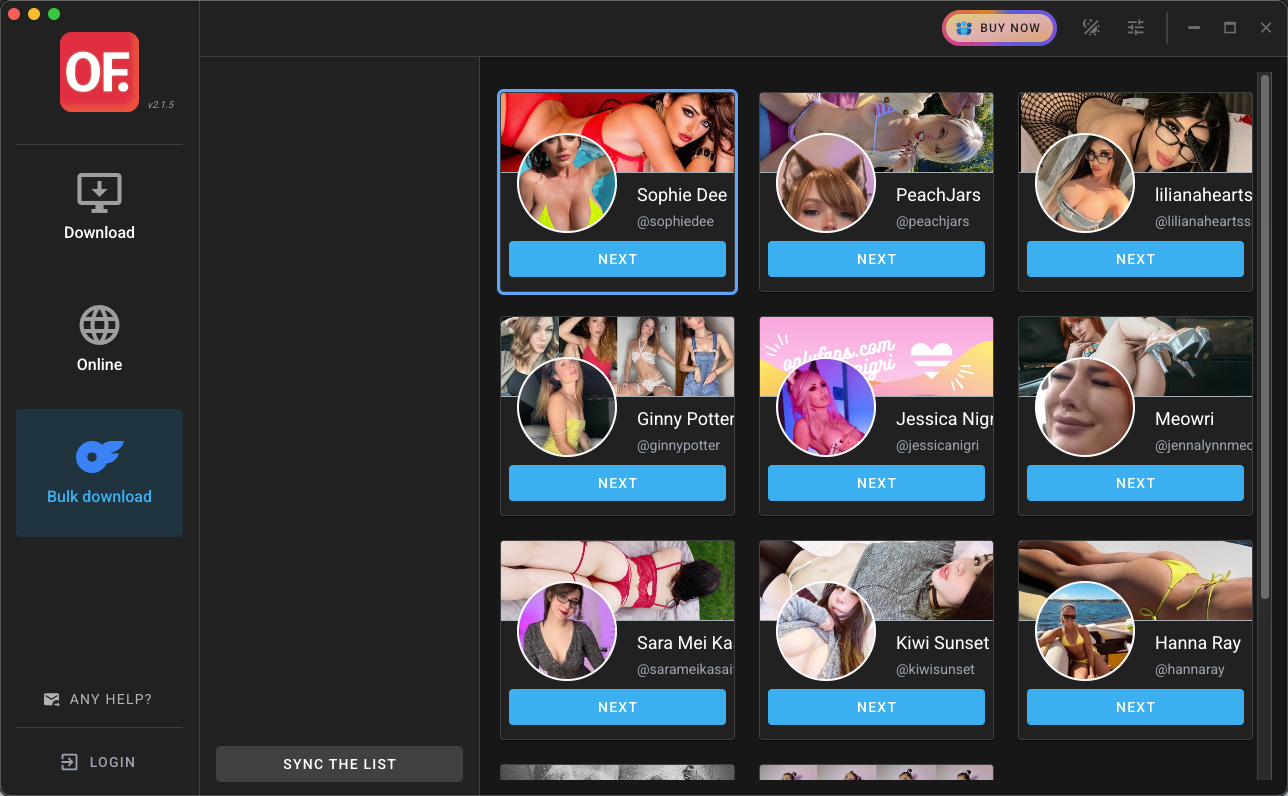
Install the desktop app
- 1
Choose your installer
Download the Windows installer or the universal macOS DMG from this page.
- 2
Open the downloaded file
Run the installer and review any operating-system security prompt before continuing.
- 3
Finish the on-screen setup
Complete the current installation flow and launch OFDownloader.
- 4
Test one accessible item
Start with one item and confirm it completes before beginning a larger job.
Browser extension or desktop app?
Use the extension for quick browser downloads. Try the desktop app when a long or larger job is unstable in the browser.